Prerequisites and login
The prerequisite for use is a user account, which WEBSALE sets up for you when you order a shop. You can find the Online-Servicebereich on our website under Customer area → Online-Servicebereich. Log in there with your username and password.You can find further information about the Online-Servicebereich in the separate documentation at doku.websale.de/osb.
Selecting a service and ShopID
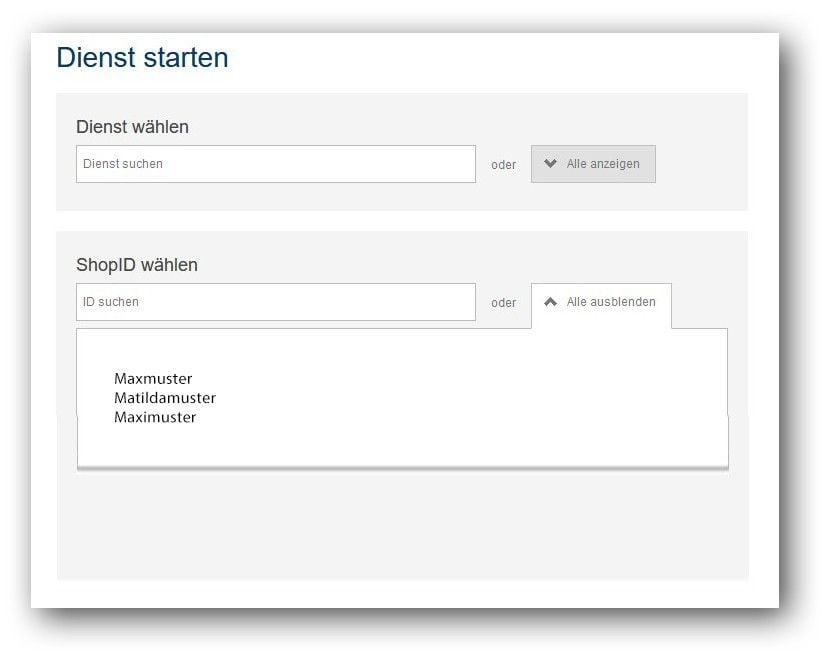
Select the service you want to open here. You will then receive a list of the shops and subshops for which the service is enabled and available.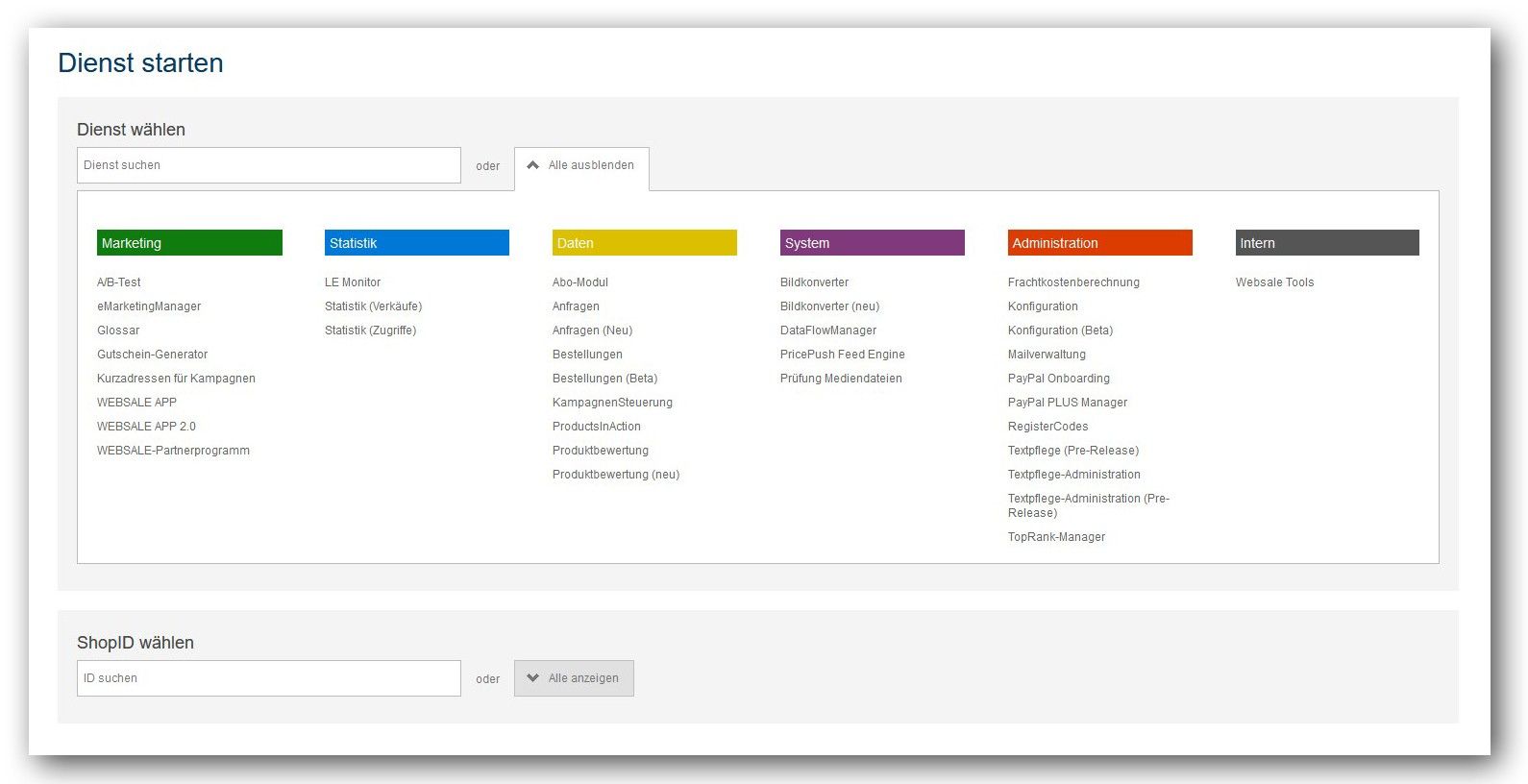
My account: change access credentials
Here you have the option of changing both your user ID (username) and your password.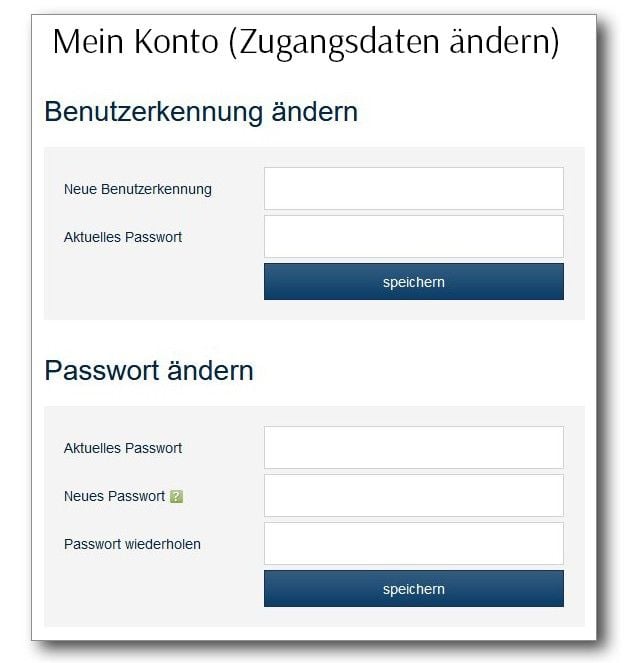
Software
Under this item you find released software, for example the WSP-Manager, and any preliminary versions for installation on your local system. Basics: Working with the WSP-Manager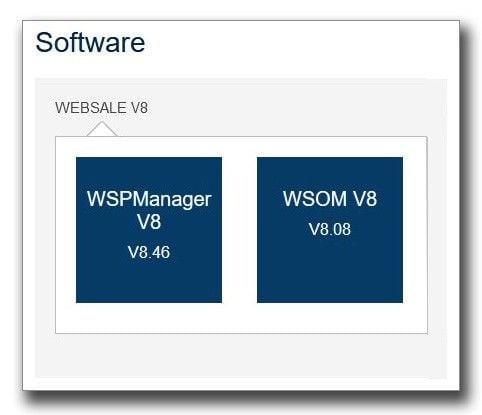
Access rights
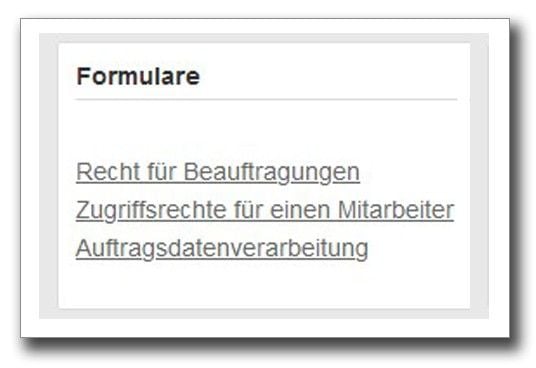
Under this item you find various forms for requesting various access and editing rights, either for download or to be filled in directly.