
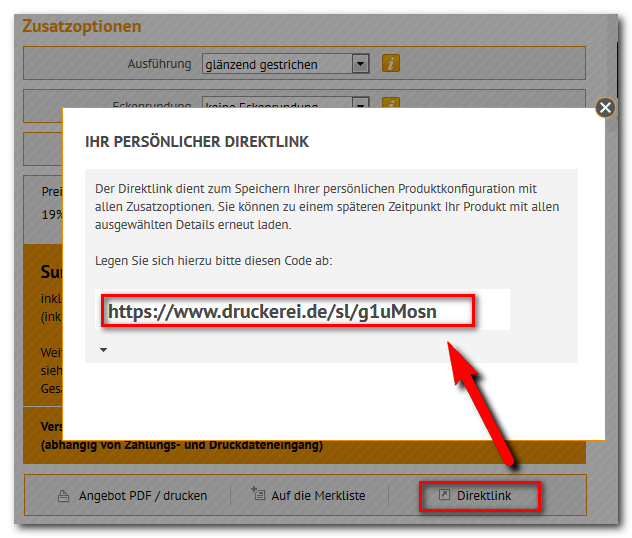
The link shortener is a standalone function and technically has nothing to do with SEO URLs. The two can be used independently of each other.
Requirements
The function works with AJAX and a layer above the page. It is therefore only available to customers who have JavaScript enabled in their browser. The function must be activated and configured by WEBSALE. Tell your contact person for which subshops you want it.Setting up
Step 1: Add the call to the product detail view
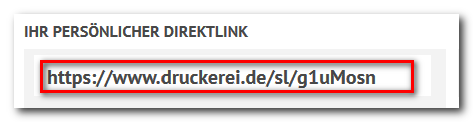
ws_product.htm contains the link the customer uses to request the short link. In the example, the link is created for the product including the selected variants.
WS-PrepareForShortURL(). In the example, this is PR-DepVarLink, that is, the product link with the selected variants. For a different short link, insert a different link tag there.
Reference: WS-PrepareForShortURL
Step 2: Include the JavaScript library
The WEBSALE system library and the design component must be included on the product detail view, at least in version 1.8.1.Step 3: Create the template for the display
The click loads an additional template via AJAX that shows the customer the generated short link. Create it under the name used in the call from step 1 and save it in your template directory.
The name of the AJAX section must match the ID of the
div from step 1, here ws_shortlink. Otherwise, the browser does not know which part of the page to replace.Related topics
- Guide: SEO URLs and link optimization
- Guide: JavaScript and jQuery
- Guide: AJAX functions