
Two types of 404 pages
WEBSALE distinguishes two pages that go to different depths.
The difference is technical. If the address is not a shop URL, the shop is not called at all. There is then no session, no shopping cart, and consequently nothing that a tag could output. If, on the other hand, the address is recognized as a shop URL, the shop is running and can deliver a fully featured page.
404 calls in WEBSALE V8s
If the SEO URLs are active, real 404 errors in WEBSALE V8s only occur in rare exceptional cases, for example with a missing product image. In the typical cases, an automatic 301 redirect to a current URL, to the home page, or, if configured, to a catch-all page takes effect instead. Redirects take place in these cases:- The shop is called with a link that is no longer current, for example after a change to the URL structure.
- The shop is called with a non-existent SEO URL.
- An information page is called that is no longer found in the shop.
- A product that is no longer available is called and neither a replacement product is defined nor is an available category or higher-level category up to level 1 present.
- A category that is no longer available is called and no available higher-level category up to level 1 exists.
Setting up the static 404 page
The usual 404 pages are visually unappealing and do not help the visitor. Since you design the page freely, you can instead actively lead the visitor back into the shop.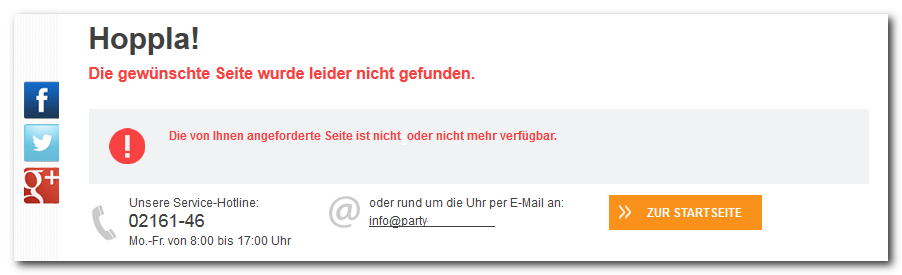
Storing the file
Create any HTML file and save it directly in the shop root, not, as usual, in the template directory. If you use several subweb directories, create a separate 404 file per directory. Also store all files that this page needs in the same directory, for example stylesheets and graphics. The reason is the same as above: the page runs outside the shop and therefore cannot access the usual template paths.Assigning the template
By default, a404.htm template is already delivered in the shop root that you only need to adapt. If it is not present, assign a document via the ErrorDocument 404 parameter in the ws_access.conf configuration file.
Designing the content
Create or edit the file under the name you assigned. The following example names the likely reason and offers two ways back, the home page and the contact page.Setting up the notification page ws_notify.htm
The notification page is more than a 404 page. It also shows notices and error messages from the running shop, for example when an action could not be performed. In WEBSALE V8 without SEO URLs, it also always appears when categories, products, or information pages are not found. You therefore still need this page in WEBSALE V8s as well, even though the 301 redirects catch most cases.Assign the template in the shop configuration
Specify the template in the<Templates> section of the shop configuration shop.config after the Notify parameter.
Create the template
Create the template under exactly this name in your template directory, for examplebenutzer/templates/translation.
The content consists of three building blocks. MSG-Notify outputs the actual message to the visitor. MSG-InternalErrorMessage contains errors that would otherwise only end up in the syslog. This output is intended for troubleshooting and is therefore commented out in the example so that no visitor sees it. WS-NotifyBackLink provides the way back to the previous page and only appears when such a return is possible.